Last year, OpenAI launched an app ecosystem within ChatGPT, enabling users to engage with various services such as Booking.com, Canva, and Spotify directly from the chat interface. This initiative has since expanded, with a growing number of developers contributing third-party applications, including those from Peloton and Tripadvisor. The latest addition to this expanding collection is AccuWeather, which now provides real-time weather information and forecasts within ChatGPT discussions.
Capabilities of the AccuWeather App in ChatGPT
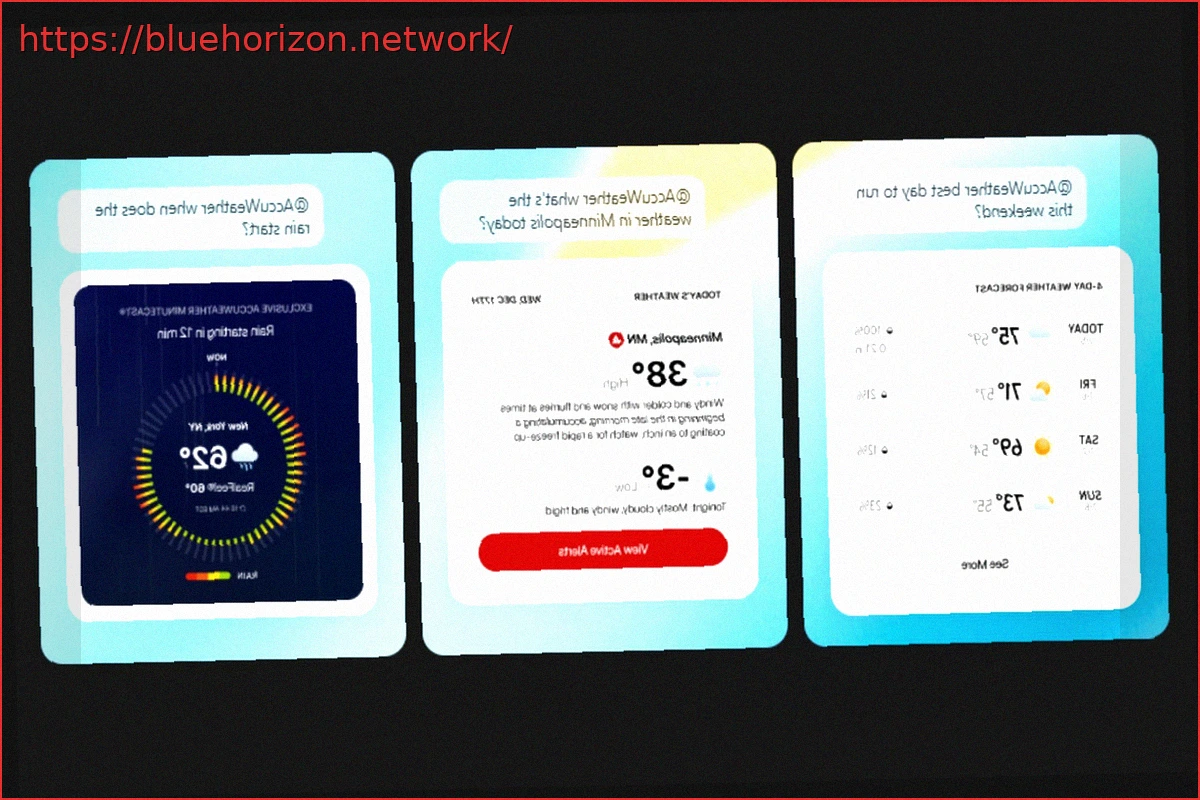
The newly integrated AccuWeather application delivers precise, live weather data to ChatGPT. Instead of generic information, users can now request current conditions, hourly projections, or multi-day forecasts, receiving accurate details for any specified location.

Beyond basic forecasts, the app incorporates advanced functionalities such as MinuteCast for minute-by-minute precipitation, RealFeel and RealFeel Shade indices, severe weather notifications, and air quality data. A live radar is also available, allowing users to track immediate and approaching weather patterns. Users can further explore information by asking follow-up questions or refining their initial requests.
Enhancing Weather Forecasts within ChatGPT
By leveraging AccuWeather’s extensive live data and sophisticated forecasting systems, ChatGPT can now offer more dependable and current weather information, moving beyond vague approximations. This significantly boosts the chatbot’s utility for practical situations, from daily commutes to travel planning, and minimizes the necessity of switching between multiple applications.
To utilize the AccuWeather app in ChatGPT, users must first link it to their profile. This involves accessing the ‘Apps’ section, locating ‘AccuWeather,’ and selecting ‘Connect.’ After successful setup, weather inquiries can be made by typing ‘@AccuWeather,’ choosing the app from the subsequent menu, and inputting the desired prompt.