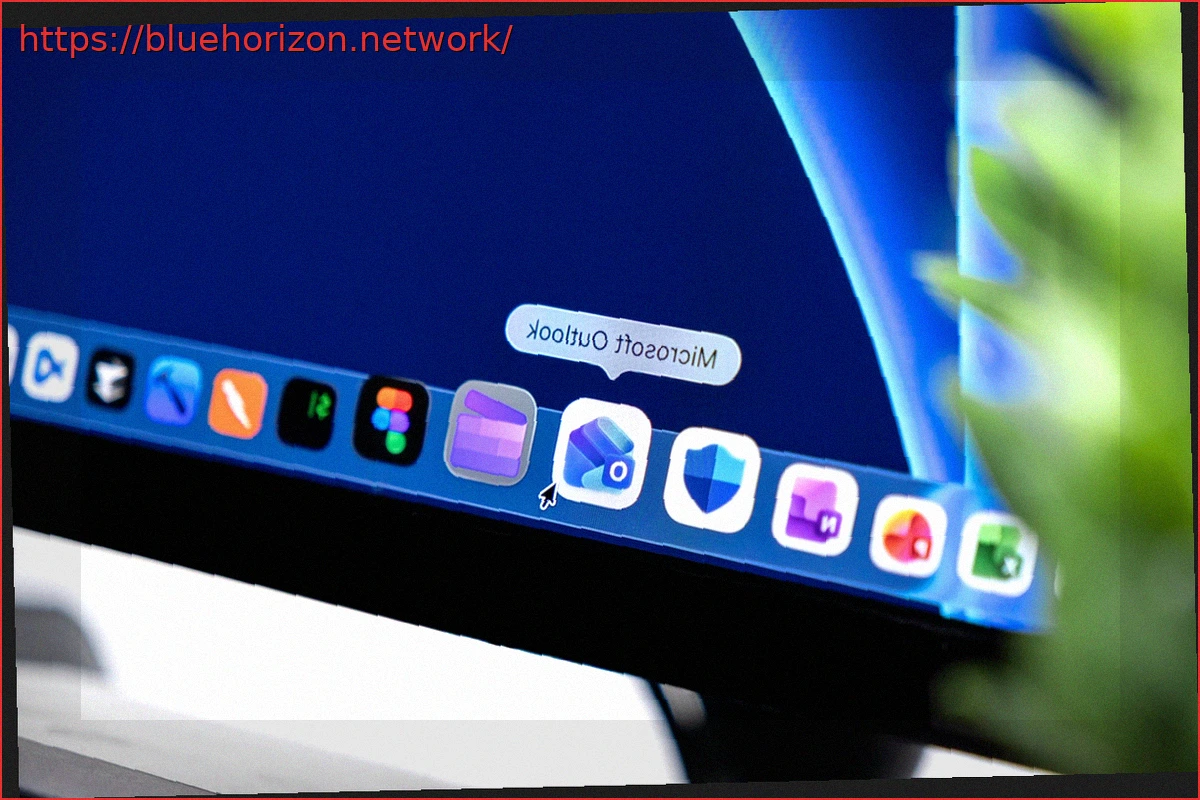
Despite a patch being deployed last Friday, Microsoft acknowledges that its full effects may not be immediately visible to all users. The issue persists as long as the old OAuth token has not expired, preventing Outlook from displaying a new login prompt. Microsoft specifies that after a password change, it typically takes about an hour for a re-authentication request to appear.
To expedite the process, Microsoft suggests a two-step workaround. The first step involves using the Windows Credential Manager to remove generic entries associated with MicrosoftOffice16_Data:OAUTH2, specifically targeting those corresponding to tp_google_imap_Oauth2 or tp_yahoo_imap_Oauth2. This action prompts Outlook to request re-authentication upon restart.
If the first method is insufficient, a more advanced intervention is required. Microsoft then recommends manually deleting the identity subkey in the Windows Registry related to the problematic Gmail or Yahoo address. This key can be found under HKEY_CURRENT_USER\Software\Microsoft\Office\16.0\Common\Identity\Identities.