The employment service plays a crucial role in assisting citizens with job placement. This guide will cover how to register with a job center, obtain unemployed status and corresponding benefits, what documents are required, and whether the process can be completed online.

What is the Employment Service (Job Center)?
The employment service, often informally called the “job center” or “labor exchange,” consists of a network of career centers operating under the unified brand “Work in Russia.” These institutions, previously known as public employment centers, have been undergoing modernization since 2019. Currently, over 900 modern career centers are functioning across the country.
Any citizen who is unemployed or wishes to change their current job can approach such a state institution at their place of residence for assistance in finding vacancies. Upon official recognition as unemployed, an individual becomes eligible for unemployment benefits.
How to Properly Register with the Employment Service
To officially gain unemployed status, receive benefits, and get job offers, you need to follow these steps:
- Contact the employment service or career center either in person or through the “Work in Russia” portal.
- Submit an electronic application requesting assistance in job searching.
- Provide the necessary package of documents, the composition of which varies depending on your specific circumstances.
How to Obtain Unemployed Status
According to the federal law “On Employment of the Population in the Russian Federation,” unemployed individuals are defined as able-bodied citizens who are actively seeking work, registered with employment service agencies for suitable job placement, and ready to start working.
To be officially recognized as unemployed, Russian citizens must personally visit the employment service or career center at their place of residence and declare their desire to find work. Alternatively, they can submit an application through their personal account on the “Work in Russia” portal, using their “Gosuslugi” (Public Services) account credentials.
Eligibility Criteria for Registration
Both dismissed employees, first-time job seekers, and those looking to change jobs can register with a career center. However, individuals must meet the following criteria:
- Be at least 16 years old.
- Not be enrolled in full-time education.
- Not be engaged in business activities.
- Not be serving in the military.
- Not be receiving an old-age insurance pension (including early retirement) or a pension offered by employment service agencies.
- Not be a foster parent or caring for a disabled person (e.g., a Group I invalid, a disabled child, or an elderly family member).
- Not be a member of a farming enterprise.
Foreign citizens and stateless persons with temporary residency permits can also register. However, unemployment benefits are available exclusively to citizens of Russia.
Required Documents
According to Russian Government Decree No. 891, the following documents are required for registration as unemployed:
- An electronic application for assistance in job searching.
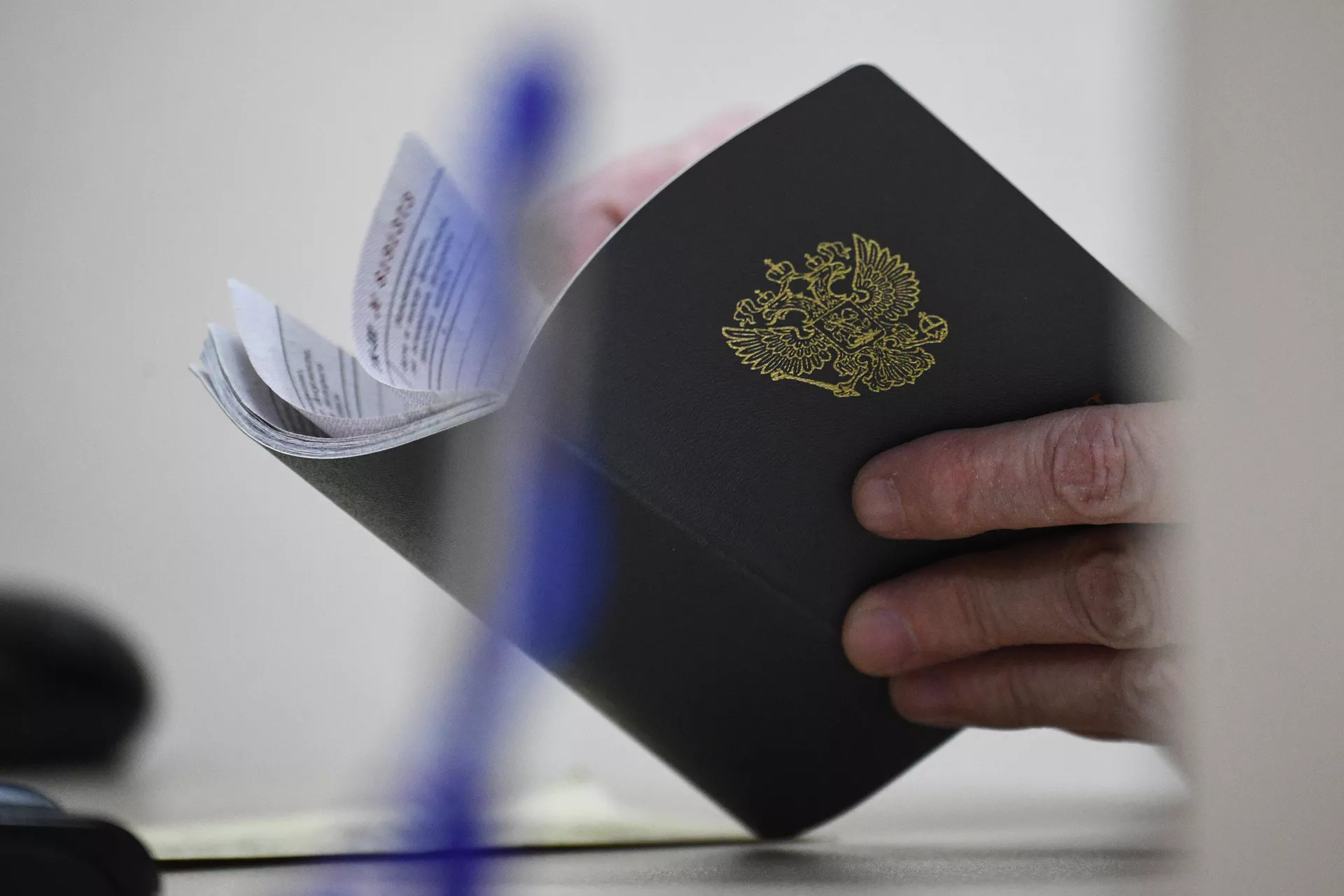
- Passport.
For those who have never worked:
- An electronic application for assistance in job searching.
- Passport.
- Education certificate or diploma.
Individuals with disabilities must also provide an individual rehabilitation or habilitation program to the employment center.
Self-employed individuals can register as unemployed only after formally deregistering with the tax service. This can be done via the “My Tax” app.
Additionally, certain categories of citizens must provide supplementary documents:
- Single parents: A certificate from the social protection department confirming receipt of child benefits.
- Those discharged from military service: A military ID indicating the start and end dates of service and the reason for discharge.
- Those discharged from internal affairs bodies: An extract from the order detailing the reason for dismissal.
- Refugees: Refugee certificate.
- Forced migrants: Forced migrant certificate.
- Orphans: A certificate from guardianship and trusteeship authorities confirming their status.
- Individuals released from correctional facilities: A release certificate.
Bank account details for the transfer of unemployment benefits will also be required.
Timeline and Procedure for Unemployed Status Recognition
After a citizen submits an application, the employment service agencies must schedule an appointment for selecting suitable job options and agreeing on an individual plan no later than four days from the application date.
The decision to recognize a job-seeking citizen as unemployed is made by the employment service agency in the constituent entity of the Russian Federation where the citizen is registered by place of residence or stay. This process should take no more than eleven days from the application submission date, provided that no suitable employment is found for the citizen within this period.
Cases Where Unemployment Status May Be Denied
By law, unemployment status cannot be granted to:
- Citizens under 16 years of age.
- Those receiving an old-age or long-service pension.
- Full-time students.
- Foster parents.
- Individuals caring for disabled persons (Group I invalids, disabled children, or elderly family members).
- Citizens who applied in a constituent entity where they do not have a registered place of residence or stay.
- Those who have not undergone profiling.
- Citizens who failed to appear for the formation and agreement of an individual plan.
- Those who refused to agree to an individual employment assistance plan or did not submit information about their agreement or refusal via the Unified Digital Platform.
- Citizens who, within ten days of registration with the employment service, refused two suitable job offers, including temporary ones.
- First-time job seekers without a profession who, within ten days of registering with the career center, refused two options for vocational training or an offered paid job.
- Those who, without valid reasons, failed to submit to the Career Center a referral with the employer`s mark indicating the date of the citizen`s interview and the reason for refusal of employment within three working days of receiving such a referral (if the employer is not registered on the Unified Digital Platform).
- Professional income taxpayers (self-employed individuals).
- Those who provided knowingly false or unreliable information during registration.
- Citizens who, prior to being recognized as unemployed and without valid reasons, failed to appear at the employment service to receive suitable job offers.
- Those convicted by court to correctional labor or imprisonment.
Document Submission Process: General Procedure
- Contact the employment service or career center either in person or through the “Work in Russia” portal.
- Submit an electronic application to obtain unemployed status and request job search assistance.
- Provide the package of documents, which will vary based on your specific situation.
The application and registration documents can be submitted either in person at the employment service or career center, or online via the “Work in Russia” portal using “Gosuslugi” authorization.

Step-by-Step Guide for Job Search Assistance via the “Work in Russia” Portal
To submit an application, you do not necessarily need to visit a career center in person; this can be done online through the “Work in Russia” portal. However, be prepared to appear at the center if a personal meeting is scheduled to clarify information regarding your application.
- Log in to your personal account on trudvsem.ru using your “Gosuslugi” portal credentials.
- In the displayed form, enter your “Gosuslugi” email and password, then click “Log in.”
- Create your resume by selecting the “Add Resume” tab in the “My Resumes” menu. The more comprehensive your information, the easier it will be for the employment service to find suitable vacancies for you. After filling in the details, click “Save and Publish.”
- Await resume review and offers from the employment center.