On March 24, 2026, Apple launched iOS 26.4, the fourth significant update in the iOS 26 series. This latest iPhone operating system introduces numerous new features.
Users can update their iPhones by navigating to Settings > General > Software Update.
Enhanced Apple Music Features in iOS 26.4
iOS 26.4 introduces Playlist Playground (beta) to Apple Music, an AI-powered feature that creates complete playlists, including titles, descriptions, and tracklists, from a simple text prompt. Users only need to describe their desired mood or theme.
The app also gains a new Concerts feature, displaying nearby live shows from artists in your library. It further suggests new artists for discovery based on user music taste and listening habits.
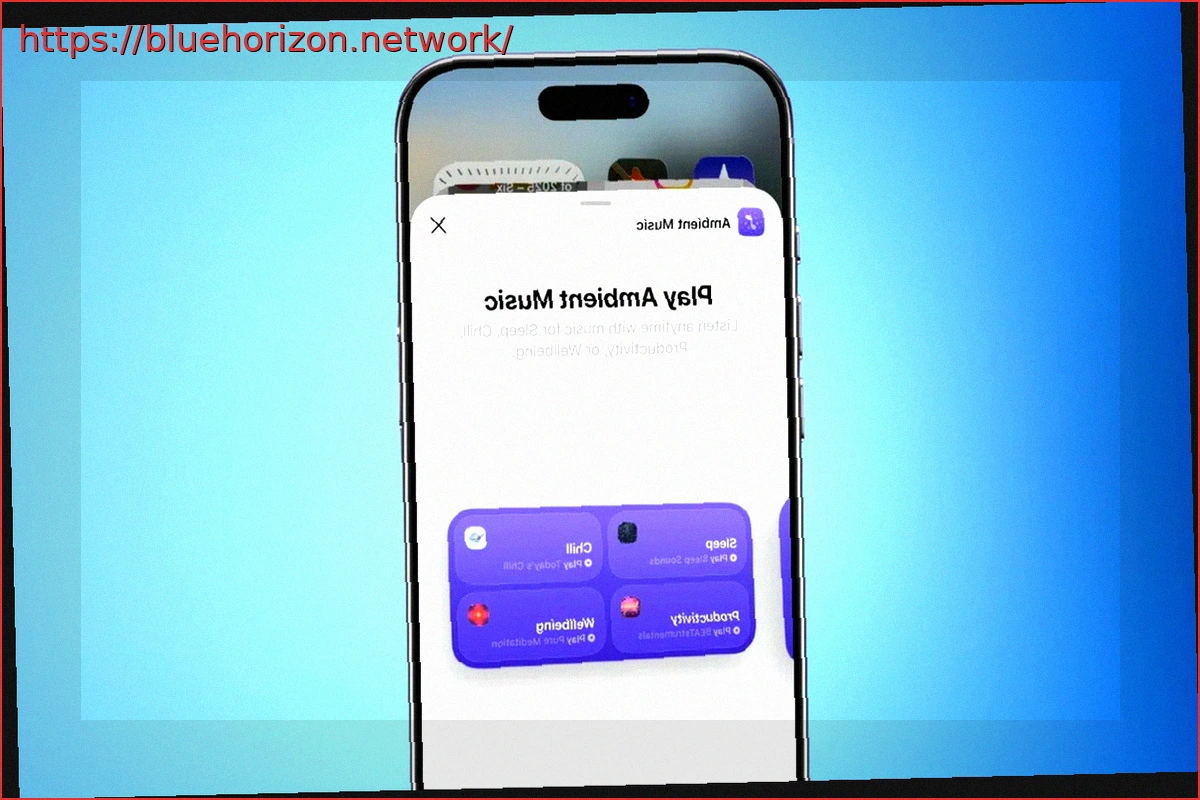
Offline Music Recognition allows for song identification without an internet connection, providing results once the device is back online. Additionally, a new Ambient Music widget offers direct access from the home screen to curated playlists for various moods, such as sleep, chill, productivity, and wellbeing.
Other Notable Features in iOS 26.4
In addition to the Apple Music enhancements, iOS 26.4 introduces eight new emojis, including an orca, a trombone, a ballet dancer, a landslide, and a distorted face. The Freeform app is updated with advanced image creation and editing tools, along with access to a premium content library via Apple’s Creator Studio.
The Reminders app now allows users to mark tasks as urgent via the Quick Toolbar or a long press. Furthermore, the update includes improved keyboard accuracy for quick typing, a subtle yet impactful enhancement.
A significant improvement to Family Sharing in iOS 26.4 enables adult members to use their individual payment methods for purchases, eliminating the need to process all transactions through the group organizer. This is a highly anticipated change for Family Sharing users.
Accessibility features have also been expanded. A new “Reduce Bright Effects” setting minimizes flashes upon button taps, and subtle settings are now accessible directly from the captions icon during media playback. The “Reduce Motion” option more noticeably reduces Liquid Glass animations.