Google Pixel Devices Hit by Nightmare Bug: September Update Locks Out Some Users
Updating your phone should be a simple process: install, restart, and continue. But imagine completing the update, entering your usual unlock pattern, and the phone not even letting you finish it. Your photos and messages remain, but you're locked out. This is the predicament some Google Pixel owners face after the September 2026 update. One reported case has led to a lockout that only a factory reset can resolve.
Reports, compiled by ExtremeTech and sourced from Reddit, indicate issues with both pattern and PIN entry. Affected devices include the Pixel 10 Pro XL, Pixel 8a, and Pixel 8 Pro. The exact number of impacted devices and the confirmed cause remain unclear.
Pixel Devices Power On with September Update, But Lock Screen Becomes a Locked Door
The most detailed account comes from a Pixel 10 Pro XL owner. After the update, the pattern drawing would disappear as soon as the second dot was connected. The screen behaved as if the finger had been lifted, making it impossible to complete the unlock sequence.
Frustratingly, restarting and entering safe mode did not resolve the issue. The user confirmed that the notification shade worked without interruption, suggesting the problem wasn't a general touch response issue.
Connecting a mouse via a USB OTG adapter also yielded no results. Attempting to reinstall the same Android version proved equally futile; the lock persisted. This meant that changing the unlock method or reloading the OS version did not restore access.
Other reports describe PIN entry problems where the phone interprets the first digit as the complete code and rejects it immediately. This isn't a forgotten password issue; the described fault prevents correct entry, effectively turning the functional phone into an expensive paperweight. Similar, though less critical, problems were observed in June, which were addressed with subsequent patches, but have now resurfaced with greater severity.
Regaining Access May Require a Factory Reset
The Pixel 10 Pro XL owner ultimately resorted to a factory reset and switched to using a PIN. This highlights the seriousness of the situation: a factory reset erases local data. If you lack a backup, you risk losing unsynchronized information, a common occurrence.
Furthermore, their experience doesn't confirm that a reset definitively fixes the pattern unlock. The affected user chose not to reconfigure it. Another Pixel 8 user reported being able to unlock by completing the drawing despite the line disappearing, indicating varied behaviors. This complicates diagnosis, as it appears to be related to security access and the display, but the exact mechanism is still unknown.
As of now, Google has not publicly acknowledged the issue or announced a solution. These are incidents reported post-update, with their scope and cause yet to be determined. The core problem is significant: a functional device is useless if you cannot bypass the screen that protects your data.
We hope Google swiftly identifies and resolves the problem or at least halts the September update rollout for Pixels to prevent a potential mass lockout. Notably, no cases have emerged from other Android phones yet, suggesting, fortunately, that this issue appears isolated to Google's own devices for now.
Fresh materials — Technology News

Gran Turismo 7 Now Runs on PC via KyTyPS5, But RTX 4080 Struggles to Hit 25 FPS
PS5 emulation on PC continues to advance with KyTyPS5, now showcasing Gran Turismo 7. A significant step has been taken, allowing this PlayStation 5 exclusive to run on a Windows computer through KyTyPS5. This emulator has rapidly progressed recently with titles like Astro Bot, Demon’s Souls, and

AMD Adrenalin 26.10.1 Drivers: FSR 4.1 for RX 6000, MW4 Fix, and New Game Support
AMD has released new Adrenalin 26.10.1 WHQL drivers, expanding support for their FidelityFX Super Resolution (FSR) 4.1 technology to Radeon RX 6000 series GPUs. These drivers also include a fix for Call of Duty: Modern Warfare 4 and add optimized support for three new games. FSR 4.1, AMD'
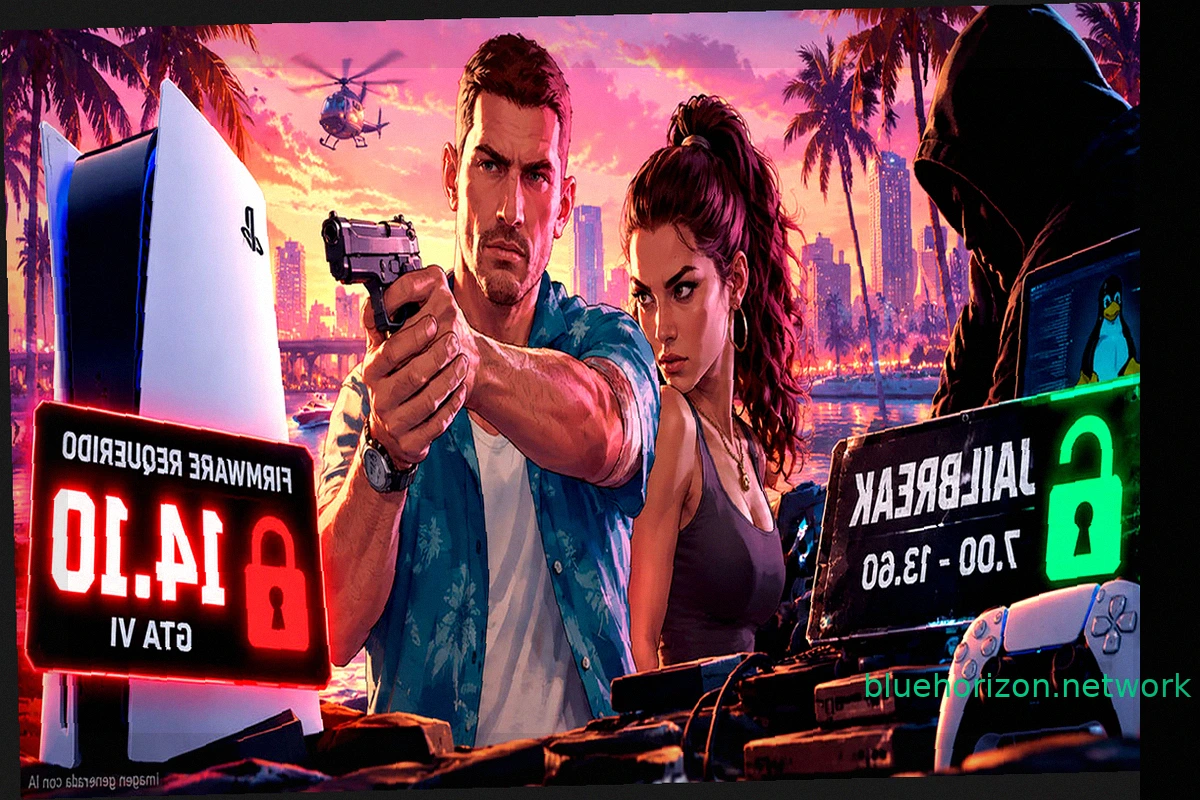
GTA VI: PlayStation 5 Firmware Update May Force Jailbreak Loss
Grand Theft Auto VI (GTA VI) is poised to create a dilemma for PlayStation 5 owners who wish to maintain their consoles with jailbreak-compatible firmware. According to data surfaced from the PlayStation Store backend by PlayStation Game Size, GTA VI will mandate at least PS5 firmware version
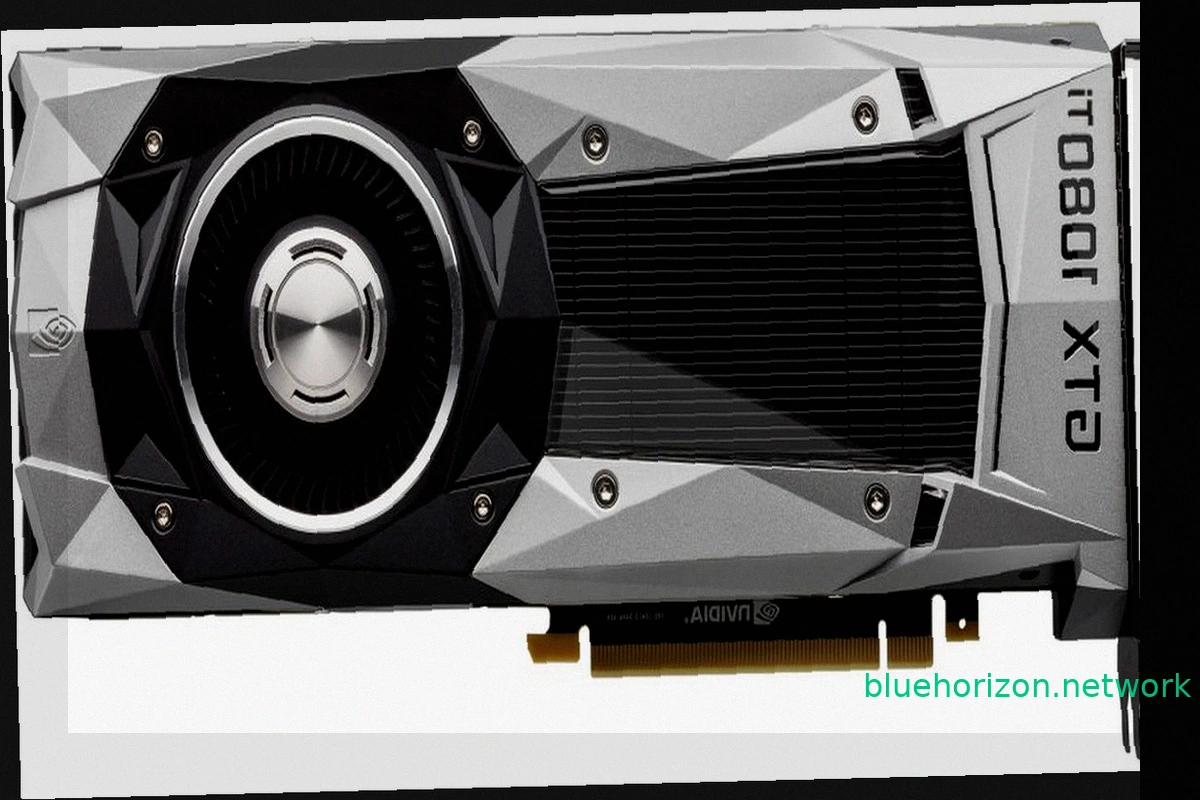
NVIDIA TITAN XP and GTX 1000 Series Achieve Windows XP Compatibility with Unofficial Forceware 382.69 Drivers
While modern PC components like RTX 50 graphics cards, Ryzen X3D CPUs, and high-speed RAM drive up costs, older hardware offers a budget-friendly alternative. A peculiar development now brings a degree of compatibility between older GPUs and Windows XP: the GTX 1000 series, including the TITAN

Google Wins AI Overviews Legal Battle Against Publishers
Google secured a significant court victory in the United States against publishers accusing the company of using their content to power AI Overviews. The core of the lawsuits was that these AI-generated summaries reduce website traffic. Federal Judge Amit P. Mehta of the District Court of Colu

Germany Launches Gaming-Focused Electricity Tariff with Consumption Rewards
German energy provider SWK Energie has introduced an unusual market segment for electricity: gamers. The company is promoting "meinGAMING," an electricity tariff designed for households with high energy consumption, specifically targeting gamers with powerful computers, streamers, and users wit