Windows 11: Restart Offers a Cleaner System Boot Than Shutting Down
It seems counterintuitive until Microsoft explains the underlying process. When experiencing PC issues, a full shutdown and restart feels like the logical solution for a fresh start. However, Windows 11's behavior might surprise you: Restarting the PC can actually result in a cleaner boot than simply pressing Shut Down.
The culprit is Fast Startup, a feature enabled by default in Windows, inherited from Windows 8. Microsoft introduced it to speed up boot times, especially when traditional hard drives were common. To achieve this, they implemented a peculiar approach to the shutdown process.
Microsoft Confirms "Shut Down" in Windows 11 is More Like a Deep Hibernation
Microsoft has clarified that when you select Shut Down, Windows closes applications and your user session. However, if Fast Startup is enabled, it does not fully close the kernel session. Instead, it saves the loaded kernel and drivers into the hiberfil.sys file, powers down the machine, and then restores that state upon the next startup.
Microsoft's explanation is straightforward: during Fast Startup, “the kernel session doesn't close; it hibernates.”
This is where the explanation diverges from what many users have assumed for years. Crucially, Fast Startup does not affect the Restart option. Therefore, Windows performs a complete boot cycle when you restart.
This means closing the kernel session, reinitializing it, and reloading drivers from scratch, rather than restoring a snapshot from hiberfil.sys. While the existence of Fast Startup and its impact on boot times was known since its introduction in Windows 8.1, the specific mechanics of how it interacts with shutdown have not always been clear, and it has evolved since then.
When Facing Issues, Always Opt for Restart Over Shutdown to Troubleshoot or Apply Changes
This distinction explains why a PC shutdown and restart might not resolve an issue, but a simple Restart does. If a driver or an element related to the kernel session was causing the malfunction, Fast Startup might inadvertently reintroduce part of that problematic state upon the next power-on.
Microsoft keeps Fast Startup enabled because it reduces boot times and generally does not recommend disabling it. However, there is a way to perform a truly clean shutdown when necessary: by running the following command in the Command Prompt:
shutdown /s /t 0
So, no, Shutting Down and Restarting Windows 11 are not functionally the same. Paradoxically, when you need to clear the system state, fix a troublesome driver, or ensure Windows starts from a completely blank slate, Restarting can be significantly more effective than shutting down and then powering the PC back on.
Microsoft's technical documentation confirms this: Fast Startup saves the kernel and drivers to hiberfil.sys, while Restart initiates a full boot cycle. It's interesting that this is being highlighted now, at a time when Windows 11 appears to be regaining user confidence. Perhaps the public explanation aims to encourage users to always restart, especially after updates, if the operating system doesn't mandate it.
Fresh materials — Technology News

GTA VI: PlayStation 5 Firmware Update May Force Jailbreak Loss
Grand Theft Auto VI (GTA VI) is poised to create a dilemma for PlayStation 5 owners who wish to maintain their consoles with jailbreak-compatible firmware. According to data surfaced from the PlayStation Store backend by PlayStation Game Size, GTA VI will mandate at least PS5 firmware version
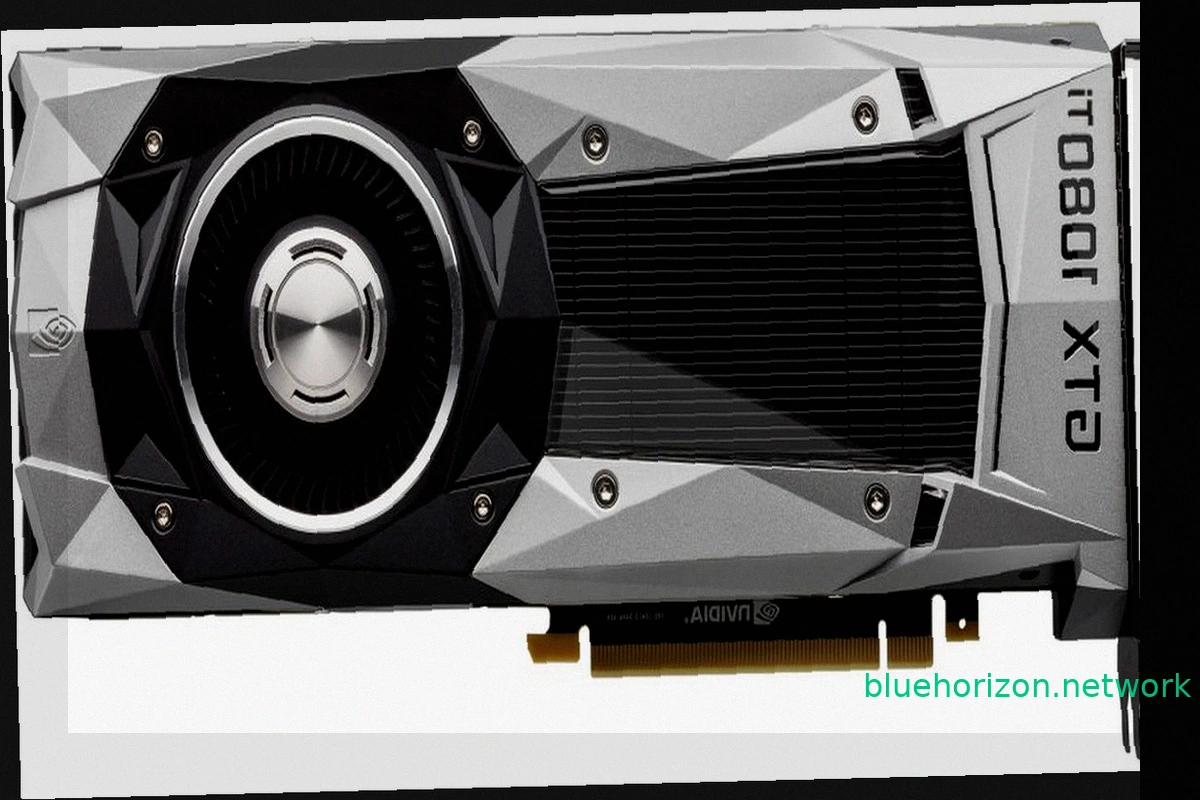
NVIDIA TITAN XP and GTX 1000 Series Achieve Windows XP Compatibility with Unofficial Forceware 382.69 Drivers
While modern PC components like RTX 50 graphics cards, Ryzen X3D CPUs, and high-speed RAM drive up costs, older hardware offers a budget-friendly alternative. A peculiar development now brings a degree of compatibility between older GPUs and Windows XP: the GTX 1000 series, including the TITAN

Google Wins AI Overviews Legal Battle Against Publishers
Google secured a significant court victory in the United States against publishers accusing the company of using their content to power AI Overviews. The core of the lawsuits was that these AI-generated summaries reduce website traffic. Federal Judge Amit P. Mehta of the District Court of Colu
Germany Launches Gaming-Focused Electricity Tariff with Consumption Rewards
German energy provider SWK Energie has introduced an unusual market segment for electricity: gamers. The company is promoting "meinGAMING," an electricity tariff designed for households with high energy consumption, specifically targeting gamers with powerful computers, streamers, and users wit

RuneScape 4 Announced: A New MMORPG Built on Unreal Engine
Jagex revealed RuneScape 4 (RS4) at RuneFest 2026. This new MMORPG, currently a working title, will be the fourth generation in the RuneScape franchise. The significant technological shift for this installment is its development on the Unreal Engine. While the specific version isn't confirmed, it
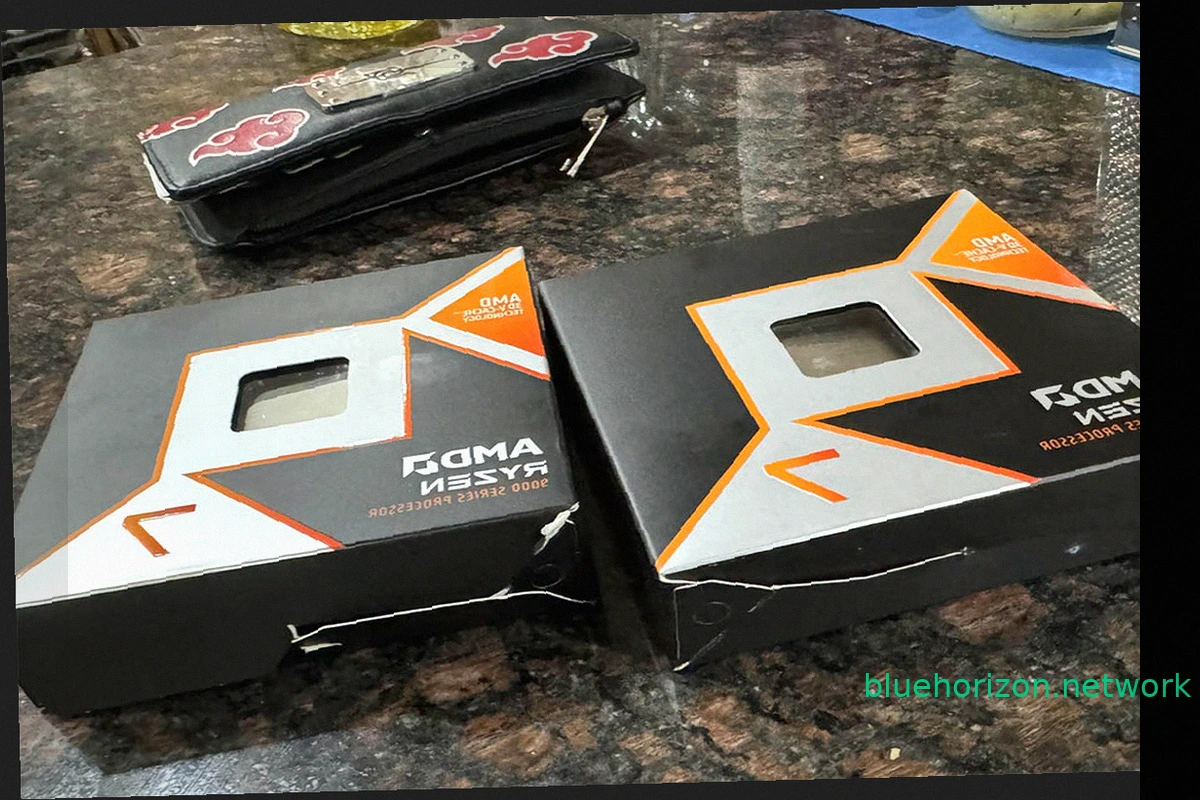
Ryzen 9850X3D Order Mix-Up: User Receives Intel Core i3-3220s Instead
AMD's gaming dominance, solidified by the Ryzen 7 7800X3D and its successor the 9800X3D, left Intel without comparable options. The subsequent release of the slightly faster Ryzen 9850X3D further cemented this lead. These processors are highly sought after by gamers. However, a recent Amazon o