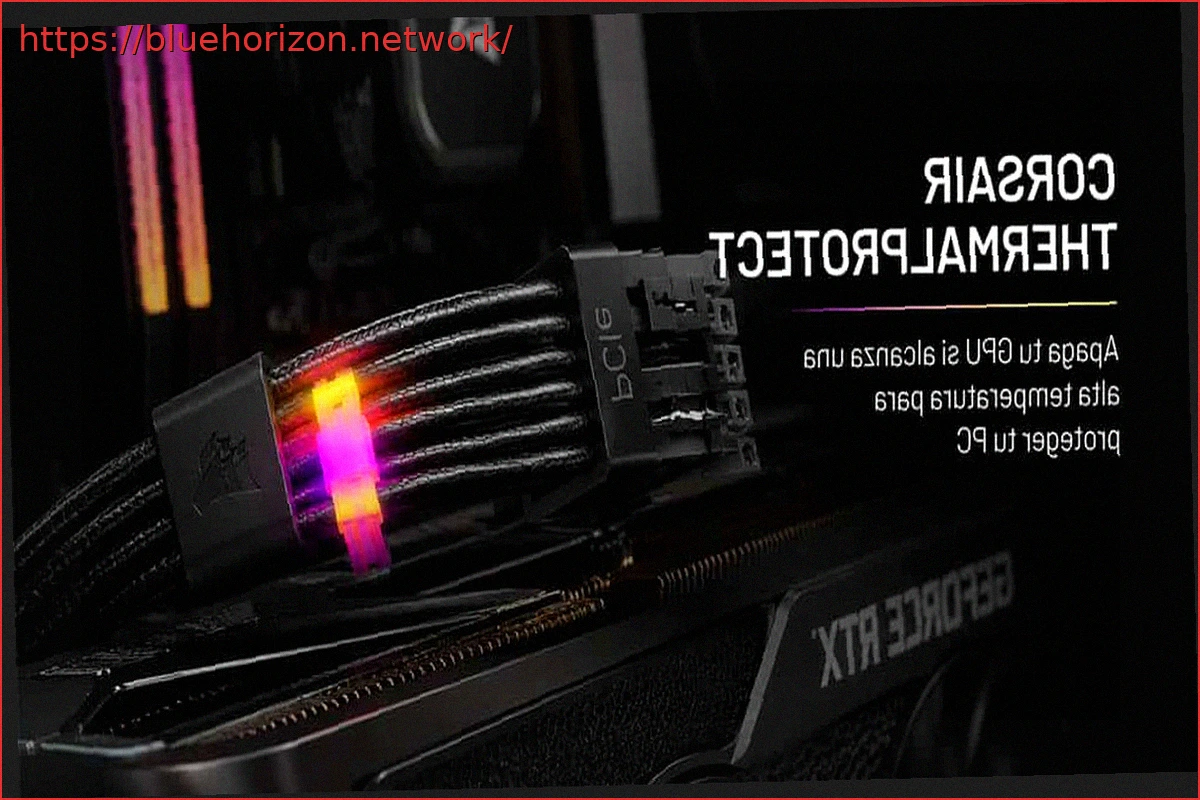
CORSAIR has released a detailed technical explanation for ThermalProtect, its 12V-2×6 cable designed to prevent dangerous temperatures at the GPU connector and safeguard RTX or RX graphics cards from damage. When first introduced, the core idea was to detect overheating and prompt the GPU to reduce its load before the connector could be harmed. While functional, the key question remains: why does ThermalProtect opt out of digital monitoring like some competitors?
After several weeks on the market, CORSAIR has shed light on its internal design choices and its preference for a passive solution over integrating sensors, firmware, or digital monitoring.
CORSAIR ThermalProtect: When Simplicity and Proven Design Forego Digital Monitoring, Software, or Firmware
The foundation of the system lies in leveraging the inherent physical properties of the cable itself. If the connector pins begin to heat up due to improper insertion, cable strain, or loosening over time, this heat doesn’t remain localized to the socket area.
As observed in numerous analyzed cases, heat travels through copper conductors, which are excellent at both conducting electricity and temperature. This thermal conductivity, while a potential problem, is precisely what CORSAIR’s solution addresses. According to CORSAIR, they utilize this property to channel heat to a small thermal switch located within the cable’s shroud, positioned 30mm from the connector that plugs into the GPU. This specific measurement is not arbitrary; it aligns with recommendations from NVIDIA and the PCI-SIG.
This switch is bimetallic, normally closed, and calibrated to open at 65°C with a tolerance of ±5°C. It requires no power, no software, no dependency on iCUE, no microcontroller, and doesn’t wait for an application to read a temperature. This is where its primary advantage lies.
It Can Save Your GPU, But You’ll Still Need to Check All Points: PSU, Cable, and 12V-2×6 Connector
When the module reaches the aforementioned temperature threshold, the switch physically opens due to the expansion of its internal metals, thereby cutting the connection of the Sense S3 and S4 pins to ground.
The GPU then interprets that the cable can no longer deliver the 600W authorized by the 12V-2×6 standard, as the connection is broken. In practice, the graphics card will reduce its load or stop rendering, potentially resulting in a black screen, as if the GPU had failed. However, in most scenarios, the GPU will be saved, though the rest of the PC will remain powered on.
CORSAIR tested this with an RTX 5090 in an environment of 60°C, intentionally creating a 3mm gap in the connector. In less than 1 minute and 20 seconds, the connector exceeded 115°C, and ThermalProtect activated before the issue could escalate further.
The choice of a passive design makes sense for the problem it aims to solve. A digital solution would necessitate power, sensor readings, data processing, and reliance on some form of firmware or software, similar to systems from Thermal Grizzly, for example.
CORSAIR has opted for a more direct approach: a mechanical switch that reacts to heat and uses the cable’s copper as a heat detection pathway. It’s easy, simple, clean, and effective, as well as being cost-efficient. However, there’s a minor drawback that, as some of you have pointed out, needs clarification because some marketing information may be inaccurate or misleading, likely originating from CORSAIR’s marketing department.
It is stated that the cable is universal for any modular PSU, but this is not true. PSU compatibility depends on the connector and the internal cabling, even within CORSAIR’s own product line. What it does cover is any GPU with a native 12V-2×6 connector. This means the cable is not universally compatible with all PSUs; it only supports certain CORSAIR power supply models. The 12V-2×6 connector to the graphics card, however, is indeed universal. This detail is causing controversy because it implies something that isn’t entirely accurate. Aside from this, ThermalProtect is one of those systems that, without digital monitoring, can save us thousands of euros in graphics card damage.