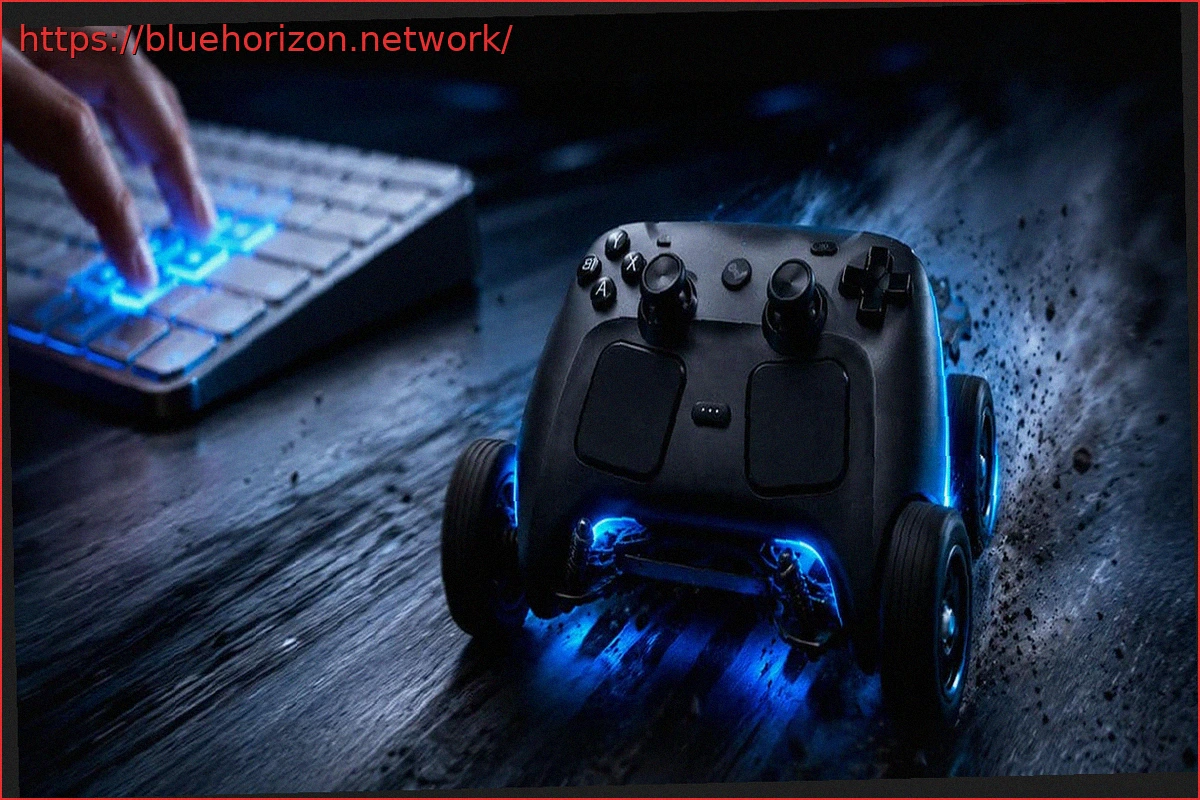
Valve’s Steam Controller is back in the spotlight, not for its Steam Input integration or high demand, but for an experiment that’s as absurd as it is fascinating: a web application allows the controller to be moved across a table or floor like a small remote-controlled car. The tool, created by Very Lazy Pixels, runs directly from the browser and utilizes the controller’s own vibration motors to make the device move slowly on flat surfaces.
The key is WebHID, an API that enables a webpage to communicate with HID devices, such as controllers or peripherals, provided the user grants permission through the browser’s selector. Therefore, no additional application or driver installation is needed: simply open the website in a Chromium-based browser, like Google Chrome or Edge, connect the Steam Controller, and use the WASD keys or arrow keys to move it. However, the website itself warns that there’s no reverse gear: you can move forward, turn left or right, and stop it with the spacebar.
With a Steam Controller and a Web Browser, You Can Now Have Your Own Remote-Controlled Car
The functionality is relatively simple, yet highly ingenious. The application sends specific pulses to the Steam Controller’s haptic motors. By vibrating at certain frequencies, the chassis begins to “drag” across the surface. If the vibration is concentrated more on one side than the other, the controller turns. This principle is similar to small bristlebots that move via vibrations. Although in this case, it’s applied to a controller costing nearly 100 euros designed for PC gaming.
The practical utility is virtually nil, but the experiment serves to demonstrate just how powerful and precise the haptic motors of the new Steam Controller are. In fact, the website also includes a function to play MIDI files through the controller’s vibration, although in that mode, the controller does not move. It’s more of a technical demonstration and a curiosity for enthusiasts than a real-use everyday feature. Though, surely, you can pull off a prank or two.
There is also an important warning: moving the controller on the floor or a table involves friction, and this friction can wear down or scratch the surface over time. The page itself offers it “as is,” without warranty, and recommends smooth, flat, and soft surfaces to reduce wear. In other words, it’s a fun technical joke, but not something you should do too often if you want to keep the controller in good condition.
In this way, turning the Steam Controller into a remote-controlled car is now the second curious attribute of this controller. The first was that the controller screams when you throw it. The controller does not have speakers. Therefore, this scream is also created by utilizing the haptic feedback technology of its vibration motors.