
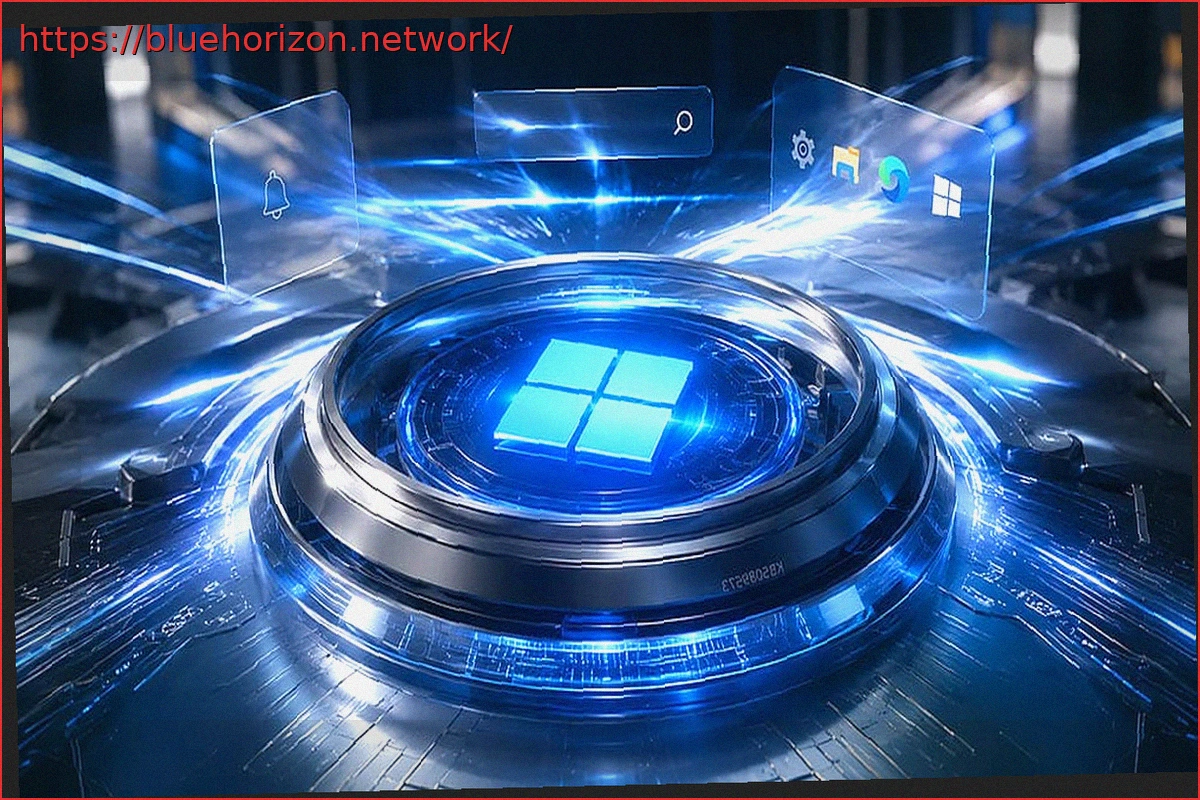
Microsoft has released the KB5089573 update for Windows 11 24H2 and Windows 11 25H2, bringing system builds to 26100.8524 and 26200.8524 respectively. This preview update focuses on fundamental improvements, aiming to make applications launch faster and enhance the responsiveness of key interface elements, ultimately boosting the OS’s basic performance.
While this is an optional update and not a mandatory security patch, the performance enhancements highlighted by Microsoft directly address common user complaints about Windows 11, especially when compared to the increasingly competitive macOS and Linux platforms.
Microsoft Releases KB5089573, Delivering on Promises: Increased Performance, Agility, and Continued Simplicity in Windows 11
Microsoft’s response to criticisms regarding update functionality has led to positive developments. The KB5089573 update specifically accelerates application launches and improves core shell experiences, including the Start Menu, search functionality, and the Action Center.
It’s important to note that this update doesn’t focus on increasing FPS in games or improving CPU/GPU benchmarks, which are slated for future releases. Instead, the improvements are geared towards reducing the time it takes for Windows 11 to react when opening applications, deploying the Start Menu, using search, or interacting with the Action Center. These are the kinds of changes that might not be immediately visible in graphs but can be noticeably felt during extended PC usage.
As the company itself stated, these improvements are not entirely new and are not revolutionary. Competitors like macOS have implemented similar features for some time. This performance boost is achieved through increased CPU activity at maximum boost speeds, indicating a pragmatic approach to performance optimization rather than a groundbreaking innovation.
Key Areas Benefiting from the Update Go Beyond Initial Expectations
Microsoft has also made enhancements that contribute to a smoother user experience. The clipboard history now offers improved performance when opening or navigating through it, a valuable feature for users who frequently copy and paste text, links, or screenshots. Windows Search has also been upgraded to find and prioritize files using just two characters, making it more practical to locate documents, short names, or recent items without extensive typing.
Windows Hello also sees performance-related changes. Microsoft has optimized the Windows Biometric Service (WinBio) to improve its behavior when the device resumes from Modern Standby. Additionally, the lock screen and login process have been adjusted to give priority to configured biometric methods, such as facial recognition or fingerprint scanning, when available.
While other changes may be less prominent, KB5089573 also includes improvements to Magnifier, USB4, USB3, sensors, the touch keyboard, explorer.exe, desktop icons, the Microsoft Store, and overall reliability for the login screen, File Explorer, touch gestures, and theme switching. Changes related to Secure Boot and certificates that are set to expire from June 2026 onwards have also been implemented, following up on previous updates.
In conclusion, it’s evident that Microsoft is actively listening to community feedback after a period of less responsiveness. The increasing pressure from Linux and SteamOS appears to be a significant driving force behind these improvements. This healthy competition encourages advancement, and Microsoft seems to have chosen to move forward, hopefully with fewer issues.