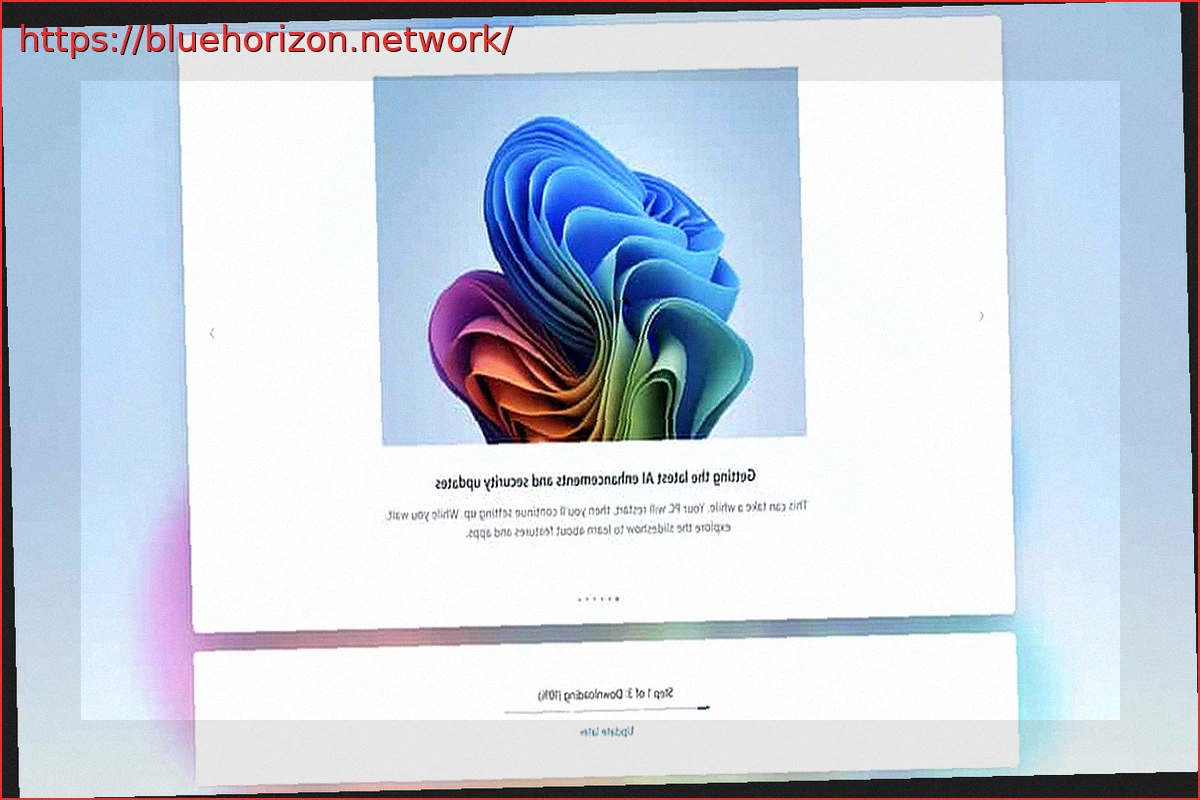
Windows 11 is set to change one of the most tedious aspects of setting up a new PC or reinstalling the operating system. Microsoft has confirmed that it will now allow users to skip updates during the initial configuration of a PC or laptop, enabling them to reach the Windows 11 desktop more quickly. This move sees Microsoft returning to a previous approach, essentially rolling back a widely criticized feature of their flagship OS.
This was a highly criticized aspect, representing a significant waste of time. For small repair shops, it meant wasted money, and for large enterprises, it posed a considerable challenge without specialized ISO editing knowledge. With this step, Microsoft is satisfying a broad audience and beginning to improve the perception of its Operating System.
Microsoft Revisits Past to Offer Windows 11 Option to Bypass Updates During Setup
This change is part of a larger set of improvements intended to reduce disruptions from Windows Update and make the first boot of a new computer more manageable. This seems like a logical move for anyone, except apparently Microsoft until now. The novelty wasn’t announced as a rumor or leak; it appeared within an official plan published by Microsoft on March 20, 2026, for enhancing Windows 11 quality, and is now being confirmed across various forums. In essence, there wasn’t a grand official announcement, but the intention was stated and has now been implemented.
Microsoft’s reference directly pertains to the device setup phase, the process typically encountered immediately after turning on a new PC or after formatting. In Windows, this is known as Out-of-Box Experience (OOBE). This is where the ability to skip updates will now be added, allowing users to access the system without waiting for all updates to download and install beforehand.
In conjunction with this, the company also highlights a more streamlined and agile setup experience, featuring fewer screens and fewer restarts during the initial boot. This is another area Microsoft should have addressed years ago, so we can take this update as a case of better late than never.
Improvements Also Apply to Installed and Configured Systems
The interesting part is that Microsoft’s improvements aren’t limited to the initial setup. Within the same plan, Windows 11 will gain more direct control over Windows Update during daily use. The company states that users will be able to restart or shut down their PC without being forced to install updates at that moment, and will also be able to pause updates for longer periods when needed.
Adding to this is another significant change: the goal is to transition PCs to a single monthly update cycle, although those who wish to receive new features or fixes sooner will still be able to do so. Microsoft also promises faster and more reliable updates, with clearer on-screen progress indicators and integrated recovery mechanisms to maintain device stability if anything goes wrong during the process.
All of this is part of a much broader roadmap for Windows 11 that we’ve previously discussed. Microsoft is talking about improving system performance, reducing base memory consumption, speeding up File Explorer, refining the WSL experience, lowering latency in various interface areas, and reducing overall system noise with fewer notifications and automatic restarts.
Specifically regarding updates during initial setup, the company explained that these new features would begin appearing in Windows Insider program builds during March and throughout April. However, as mentioned earlier, they are already reaching end-users. For now, this is the official timeline provided by Microsoft for the rollout of this change.