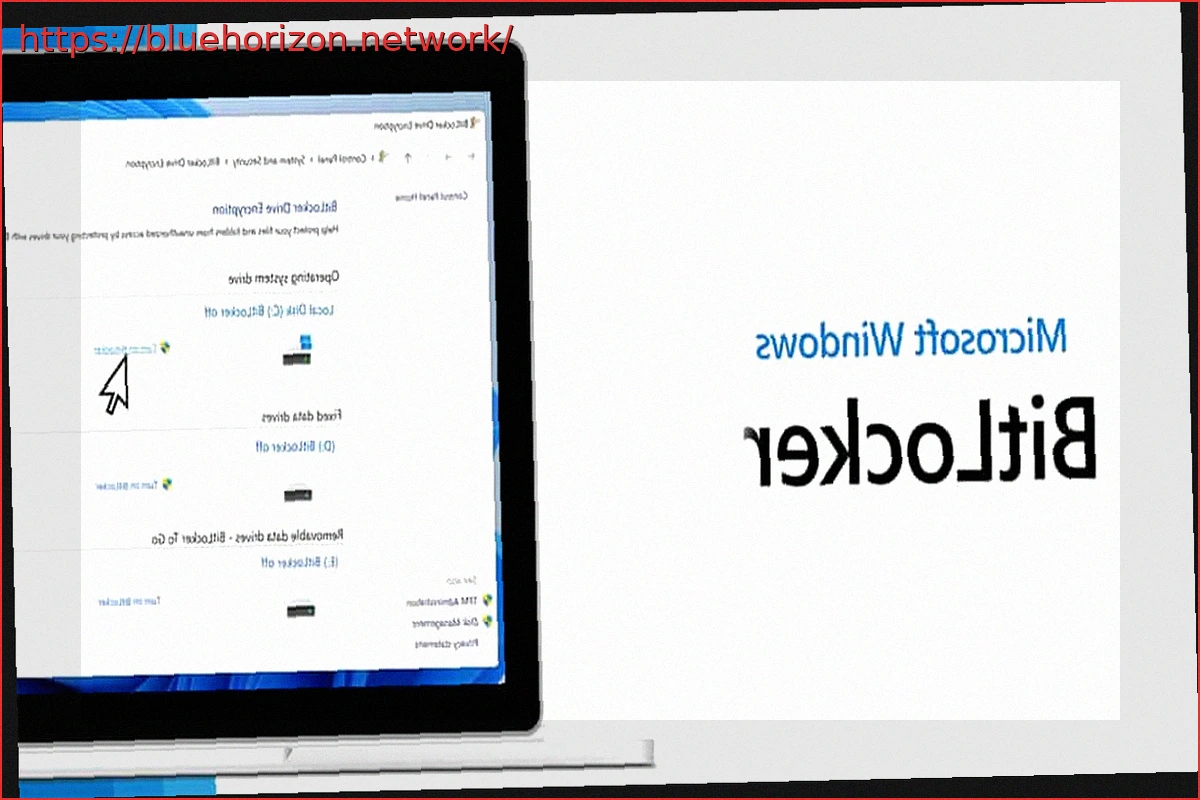
Not long ago, we discussed BitUnlocker, an attack that severely compromised BitLocker, TPM, and Secure Boot on Windows 11. This wasn’t a brute-force attack on encryption, but rather a method to exploit the boot process, WinRE, and specific configurations to access data that should have been protected. Now, if Microsoft wasn’t already dealing with enough, YellowKey has emerged, and Redmond has been forced to officially acknowledge the evident vulnerability, even assigning it its own CVE. What exactly is YellowKey and how does it function?
The issue once again directs attention to a very specific part of Windows: the pre-boot environment and system recovery. As this isn’t the first time, Microsoft has had to concede and admit fault, releasing a temporary measure to curb the ongoing issues while they work on a permanent solution.
YellowKey: The Attack That Briefly Cripples BitLocker Anew
Fortunately, direct attacks are not easy, but they could be a concern for large enterprises with hundreds or thousands of employees if attackers impersonate regular staff. In a mega-corporation, if an attacker gains physical access to a machine, possesses a prepared USB drive, and exploits a vulnerable configuration, BitLocker can cease to be the robust barrier that many users assume it is.
YellowKey has been registered as CVE-2026-45585, and Microsoft describes it as a security feature bypass vulnerability in Windows. The critical aspect here is that a proof-of-concept has already been made public. Therefore, it is a documented flaw that the company has had to acknowledge and for which it has issued mitigation measures.
The method by which YellowKey attacks is quite interesting, as the technique revolves around prepared FsTx files on a USB drive or an EFI partition. According to the published information, the attack forces the system through WinRE (Windows Recovery Environment), and from there, it can grant access to a console with elevated permissions over a BitLocker-protected drive. The key nuance is that, as mentioned, it requires physical access to the computer, making it not a remote attack that can be executed over the internet without touching the device, which is a relief for average users.
Microsoft Explains How to Mitigate It with Simple Steps Until the Fix Arrives
Despite this, the situation is delicate, as BitLocker is precisely used to protect data when a laptop is lost, stolen, or falls into the wrong hands. If the system is protected solely by TPM without a pre-boot PIN, these types of attacks once again highlight that convenience comes at a security cost.
Microsoft’s mitigation involves removing the autofstx.exe entry from the BootExecute value within Session Manager, restoring BitLocker’s trust in WinRE, and changing encrypted machines from “TPM only” to “TPM + PIN.” This is essentially an almost identical solution to the one provided a month and a half ago for a previous security breach, which, it appears, is being exploited more frequently.
In practice, this means forcing the user to enter a PIN before Windows boots and decrypts the drive, thereby blocking a key part of the attack. Regardless, it’s important not to confuse mitigation with a definitive patch. Microsoft has acknowledged YellowKey and taken steps to reduce the risk, but the complete solution awaits a security update, which, incidentally, remains uncertain as to when it will be released.
In the meantime, the message for advanced users, businesses, and administrators is that BitLocker remains useful, but relying solely on TPM no longer appears to be sufficient defense in all scenarios. Therefore, enabling a PIN for Windows 11 is key to keeping everything under control.