
HP is facing a significant challenge, and this time the issue isn’t a standard Windows update causing a minor laptop malfunction. Instead, a critical BIOS update, automatically distributed through Windows Update by HP itself, is reportedly trapping several of the brand’s premium laptops in boot loops. Users are experiencing lock-ups, blue screens of death, and abnormal fan behavior. Compounding the problem, HP seems unsure about the origin of this problematic update.
This incident affects expensive, professional-grade machines where a firmware update should never be a gamble. It’s likely that someone in IT will face repercussions, especially since Microsoft, for the moment, does not develop or autonomously distribute BIOS updates, even allowing users to bypass them.
HP Investigates BIOS Update Distributed via Windows Update That’s Crippling its Premium Laptops

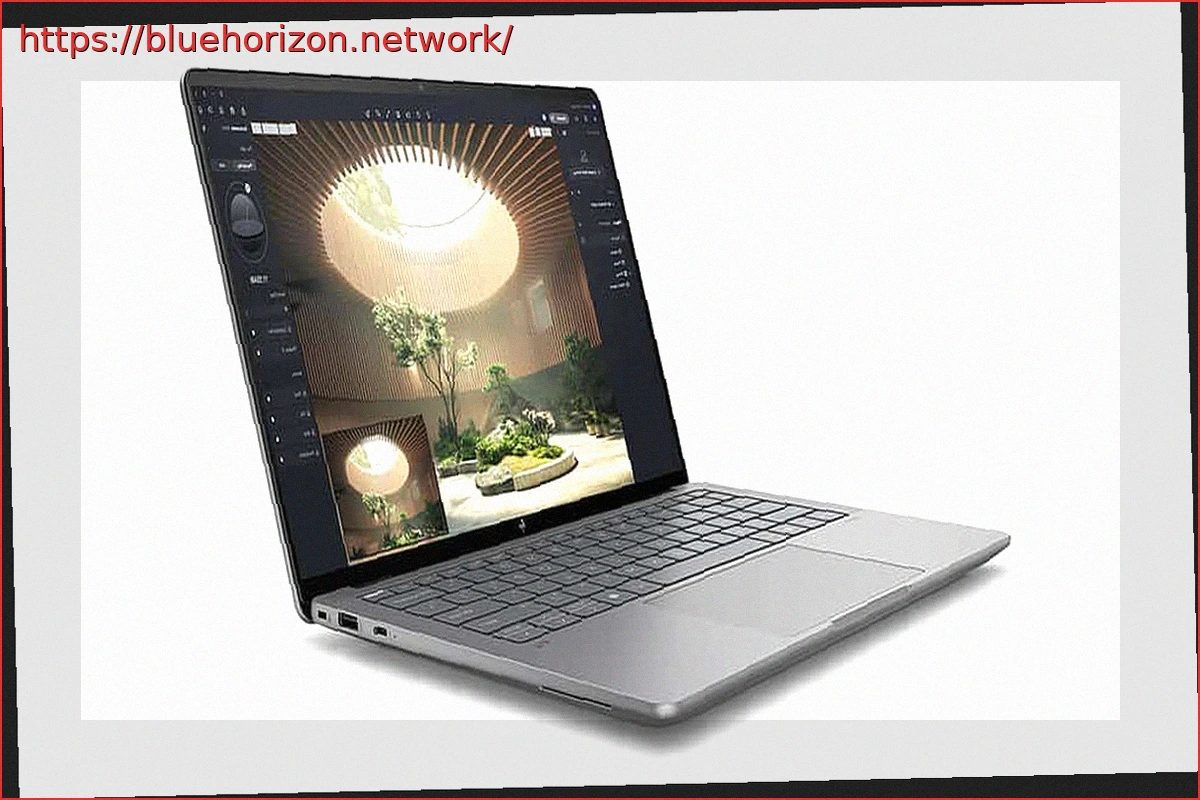
According to initial reports, the affected models include the HP ZBook Ultra G1a and the HP EliteBook X G1a, both high-end laptops from the company. The ZBook Ultra G1a, in particular, is a premium mobile workstation whose price can exceed 5,000 euros depending on its configuration.
The problem appears to be linked to specific BIOS versions that have been identified. For the HP ZBook Ultra G1a, the affected versions are 01.04.03 and 01.04.05. For the HP EliteBook X G1a, the problematic versions are 01.03.11 and 01.05.00. The update was pushed through Windows Update as a critical update, meaning the system can install it automatically with minimal user intervention.
The update is downloaded, loaded into the ROM, and installed upon the next restart. By then, it’s too late, as attempting to boot into Windows becomes impossible, in the best-case scenarios observed.
Users Express Frustration Over Such a Severe Issue on Professional-Grade Laptops

Affected users have described alarming symptoms, including laptops freezing during the boot process, devices failing to start at all, sudden fan noise spikes, and blue screen errors. The issue is further complicated by the fact that reverting a BIOS after installation is not as simple as uninstalling a regular Windows patch. This involves firmware, where rollbacks are not always possible, and recovery can require more specialized methods when something goes wrong.
Some users have reported limited success using a network-based BIOS downgrade function, but only when using an HP USB-C to Ethernet adapter. This leaves a straightforward solution out of reach for anyone who doesn’t own this specific accessory or lacks the knowledge to force such a recovery. While a rollback is possible, the unfortunate reality is that doing it yourself might require additional investment.
HP has acknowledged awareness of alleged BIOS issues and stated that it is investigating the matter. The company is also advising affected users to contact support, which is essentially the only viable course of action when a laptop becomes unresponsive. This situation reignites an uncomfortable question: to what extent should Windows Update be able to push critical firmware updates when a failure can render a professional-grade device unbootable?